图像编辑:
- 编辑现有图像
- 以其他图像为参考生成新图像
- 通过上传图像和用于标识待替换区域的蒙版,编辑图像的局部
使用图像参考创建新图像
可以使用一张或多张图像作为参考来生成新图像。
在此示例中,我们将使用 4 张输入图片生成一张新图片,展示一个装有参考图片中物品的礼品篮。
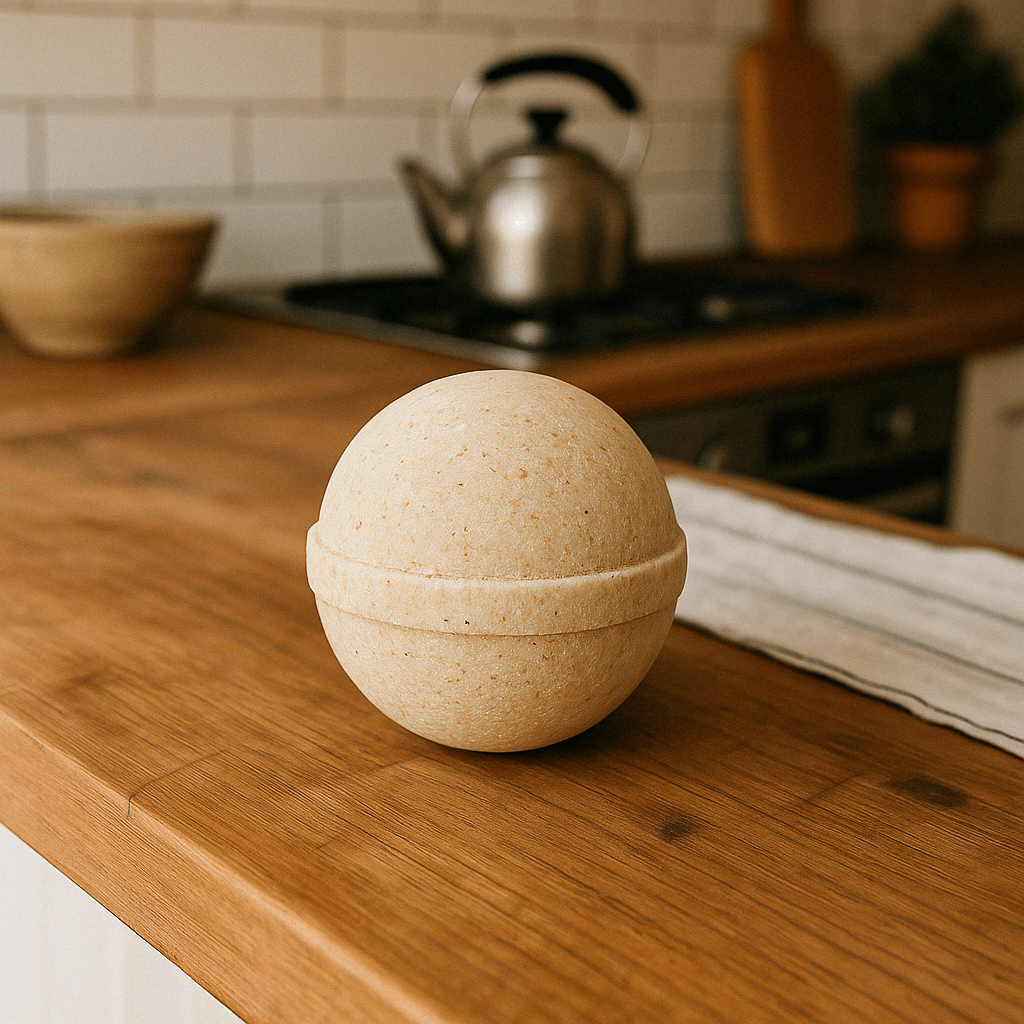
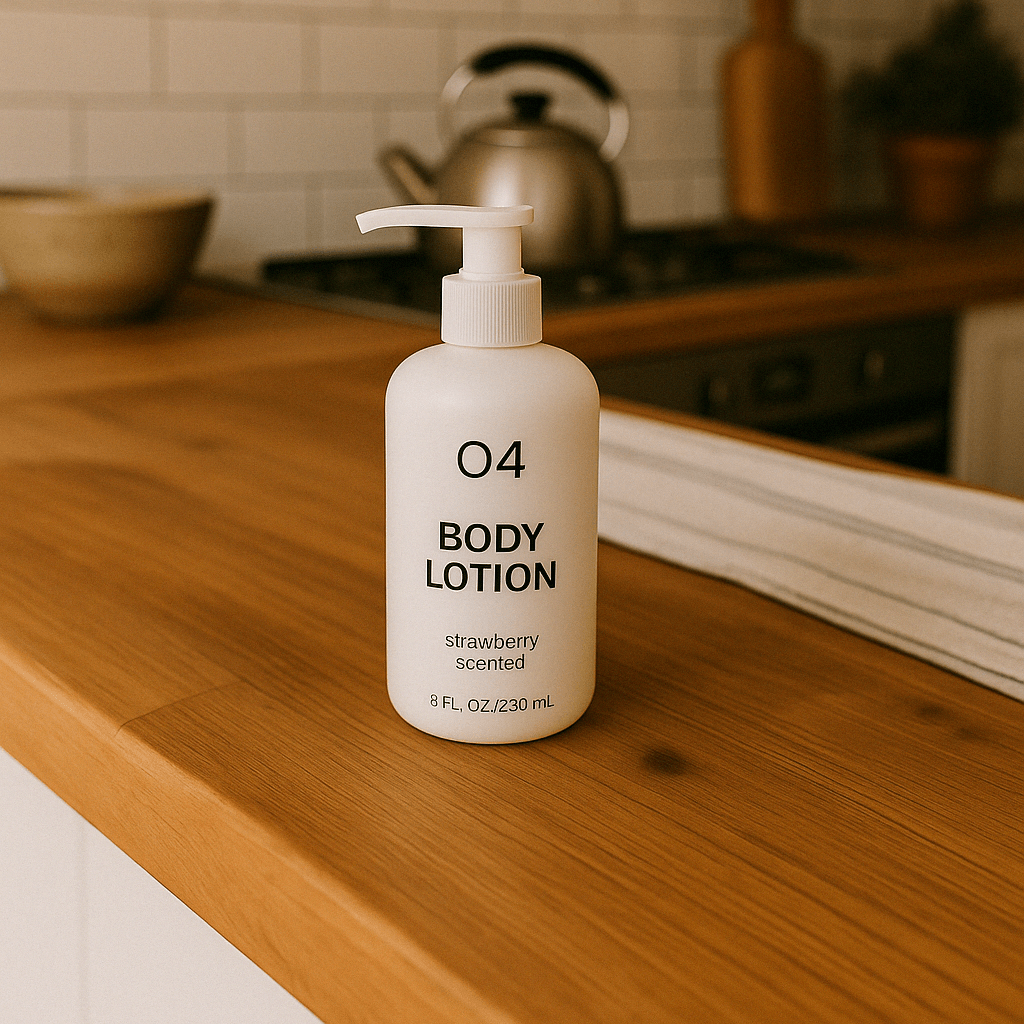
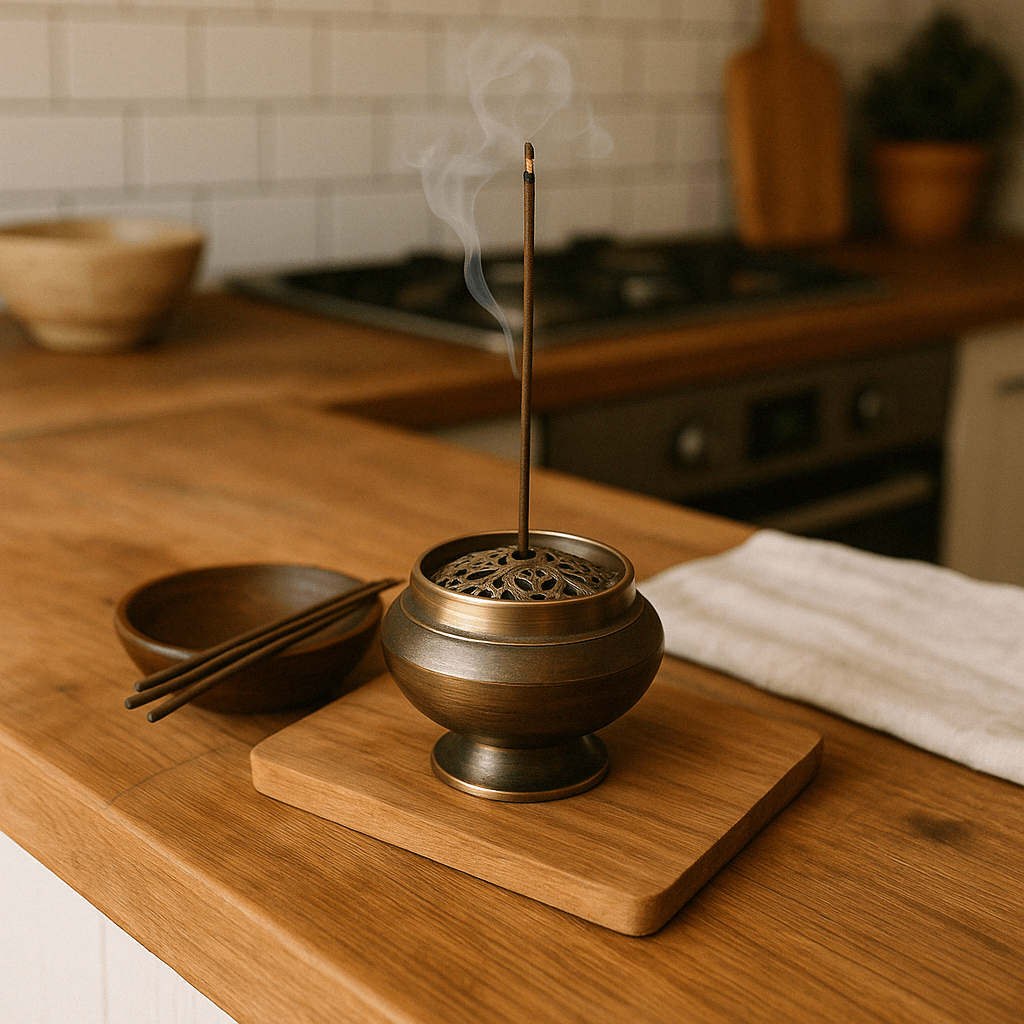
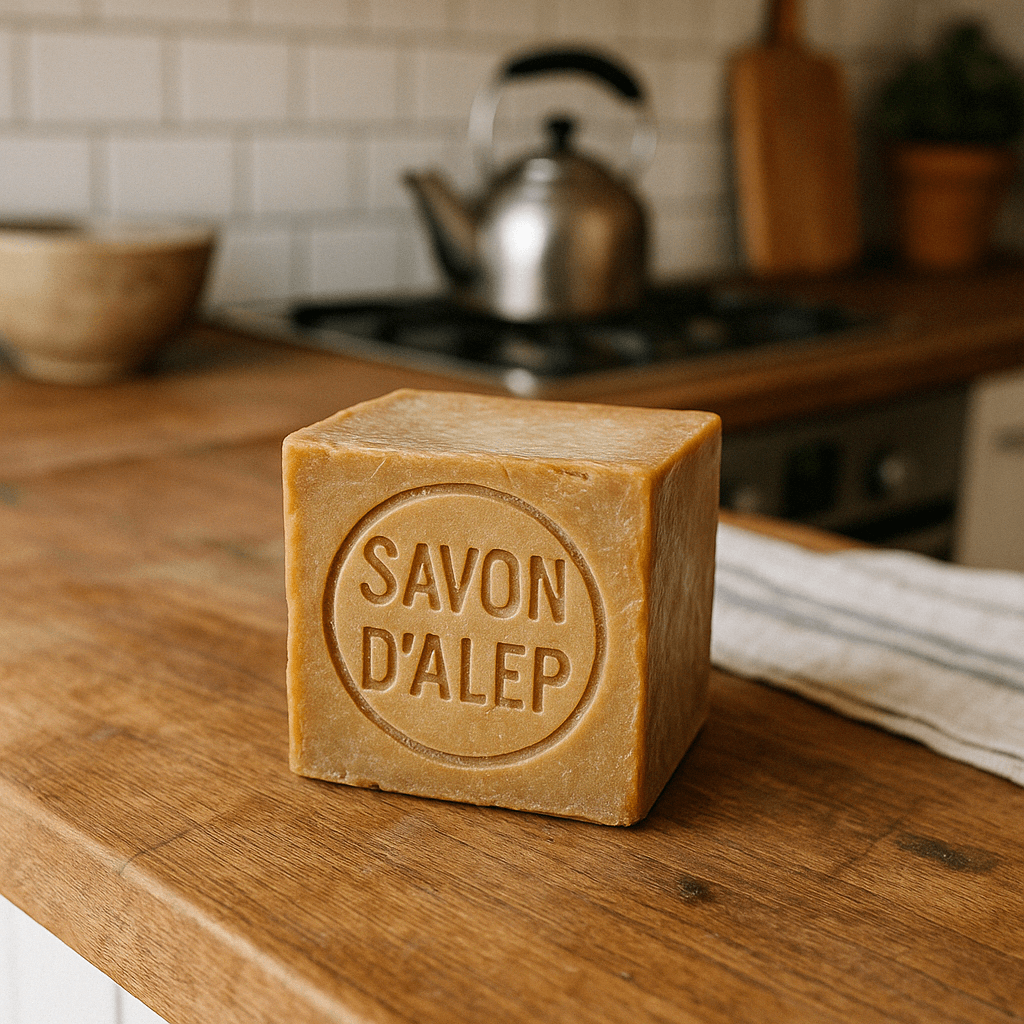

Image API
import base64
from openai import OpenAI
client = OpenAI()

prompt = """
Generate a photorealistic image of a gift basket on a white background
labeled 'Relax & Unwind' with a ribbon and handwriting-like font,
containing all the items in the reference pictures.
"""

result = client.images.edit(
    model="gpt-image-2",
    image=[
        open("body-lotion.png", "rb"),
        open("bath-bomb.png", "rb"),
        open("incense-kit.png", "rb"),
        open("soap.png", "rb"),
    ],
    prompt=prompt
)

image_base64 = result.data[0].b64_json
image_bytes = base64.b64decode(image_base64)

# Save the image to a file
with open("gift-basket.png", "wb") as f:
    f.write(image_bytes)
Responses API
使用 Responses API,可以通过以下 3 种方式提供输入图像:
提供完整 URL
提供 Base64 编码的数据 URL
提供文件 ID(由 Files API 创建)
Create a File
from openai import OpenAI
client = OpenAI()

def create_file(file_path):
  with open(file_path, "rb") as file_content:
    result = client.files.create(
        file=file_content,
        purpose="vision",
    )
    return result.id
Create a base64 encoded image
def encode_image(file_path):
    with open(file_path, "rb") as f:
        base64_image = base64.b64encode(f.read()).decode("utf-8")
    return base64_image
Edit an image
from openai import OpenAI
import base64

client = OpenAI()

prompt = """Generate a photorealistic image of a gift basket on a white background
labeled 'Relax & Unwind' with a ribbon and handwriting-like font,
containing all the items in the reference pictures."""

base64_image1 = encode_image("body-lotion.png")
base64_image2 = encode_image("soap.png")
file_id1 = create_file("body-lotion.png")
file_id2 = create_file("incense-kit.png")

response = client.responses.create(
    model="gpt-5.5",
    input=[
        {
            "role": "user",
            "content": [
                {"type": "input_text", "text": prompt},
                {
                    "type": "input_image",
                    "image_url": f"data:image/jpeg;base64,{base64_image1}",
                },
                {
                    "type": "input_image",
                    "image_url": f"data:image/jpeg;base64,{base64_image2}",
                },
                {
                    "type": "input_image",
                    "file_id": file_id1,
                },
                {
                    "type": "input_image",
                    "file_id": file_id2,
                }
            ],
        }
    ],
    tools=[{"type": "image_generation"}],
)

image_generation_calls = [
    output
    for output in response.output
    if output.type == "image_generation_call"
]

image_data = [output.result for output in image_generation_calls]

if image_data:
    image_base64 = image_data[0]
    with open("gift-basket.png", "wb") as f:
        f.write(base64.b64decode(image_base64))
else:
    print(response.output.content)


