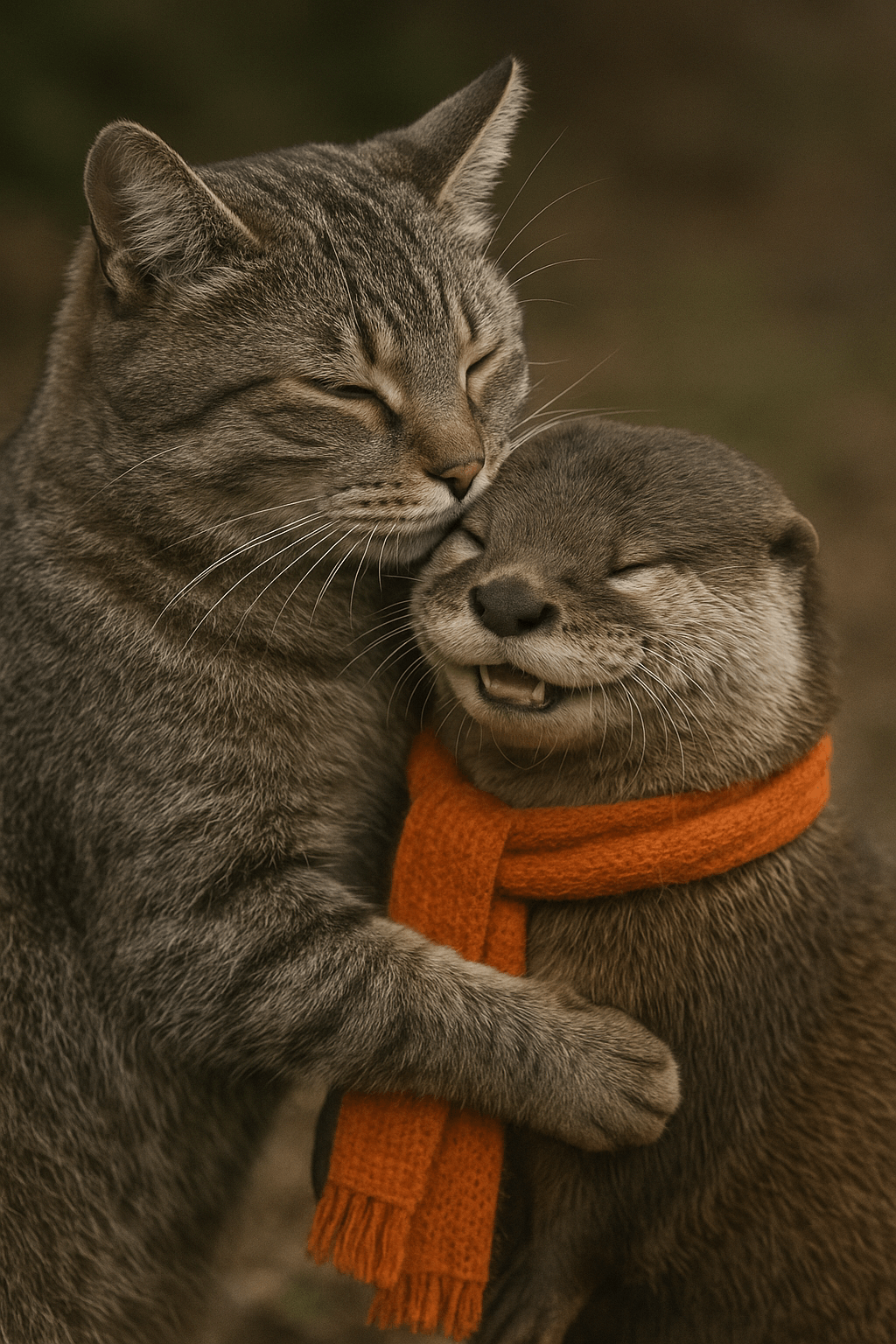
多轮图像生成
借助 Responses API,可以通过在上下文中提供图像生成调用的输出(也可以仅使用Image ID),或使用 previous_response_id 参数,构建涉及图像生成的多轮对话。这你能够在多个对话轮次中对图像进行迭代——随着对话的进行,不断优化提示词、应用新指令,并改进视觉输出。
借助 Responses API 图像生成工具,受支持的模型可选择生成新图像或编辑对话中已有的图像。可选的 action 参数用于控制此行为:将 action 设为 “auto” 由模型自行决定,设为 ‘generate’ 始终生成新图像,或设为 “edit” 在上下文中存在图像时强制进行编辑。
from openai import OpenAI
import base64

client = OpenAI()

response = client.responses.create(
    model="gpt-5.5",
    input="Generate an image of gray tabby cat hugging an otter with an orange scarf",
    tools=[{"type": "image_generation", "action": "generate"}],
)

# Save the image to a file
image_data = [
    output.result
    for output in response.output
    if output.type == "image_generation_call"
]

if image_data:
    image_base64 = image_data[0]
    with open("otter.png", "wb") as f:
        f.write(base64.b64decode(image_base64))
如果在未提供上下文图片的情况下强制编辑,该调用将返回错误。将 action 保留为 auto,由模型决定何时生成或编辑。
使用之前的 response ID
from openai import OpenAI
import base64

client = OpenAI()

response = client.responses.create(
    model="gpt-5.5",
    input="Generate an image of gray tabby cat hugging an otter with an orange scarf",
    tools=[{"type": "image_generation"}],
)

image_data = [
    output.result
    for output in response.output
    if output.type == "image_generation_call"
]

if image_data:
    image_base64 = image_data[0]

    with open("cat_and_otter.png", "wb") as f:
        f.write(base64.b64decode(image_base64))


# Follow up

response_fwup = client.responses.create(
    model="gpt-5.5",
    previous_response_id=response.id,
    input="Now make it look realistic",
    tools=[{"type": "image_generation"}],
)

image_data_fwup = [
    output.result
    for output in response_fwup.output
    if output.type == "image_generation_call"
]

if image_data_fwup:
    image_base64 = image_data_fwup[0]
    with open("cat_and_otter_realistic.png", "wb") as f:
        f.write(base64.b64decode(image_base64))
使用 image ID
import openai
import base64

response = openai.responses.create(
    model="gpt-5.5",
    input="Generate an image of gray tabby cat hugging an otter with an orange scarf",
    tools=[{"type": "image_generation"}],
)

image_generation_calls = [
    output
    for output in response.output
    if output.type == "image_generation_call"
]

image_data = [output.result for output in image_generation_calls]

if image_data:
    image_base64 = image_data[0]

    with open("cat_and_otter.png", "wb") as f:
        f.write(base64.b64decode(image_base64))


# Follow up

response_fwup = openai.responses.create(
    model="gpt-5.5",
    input=[
        {
            "role": "user",
            "content": [{"type": "input_text", "text": "Now make it look realistic"}],
        },
        {
            "type": "image_generation_call",
            "id": image_generation_calls[0].id,
        },
    ],
    tools=[{"type": "image_generation"}],
)

image_data_fwup = [
    output.result
    for output in response_fwup.output
    if output.type == "image_generation_call"
]

if image_data_fwup:
    image_base64 = image_data_fwup[0]
    with open("cat_and_otter_realistic.png", "wb") as f:
        f.write(base64.b64decode(image_base64))
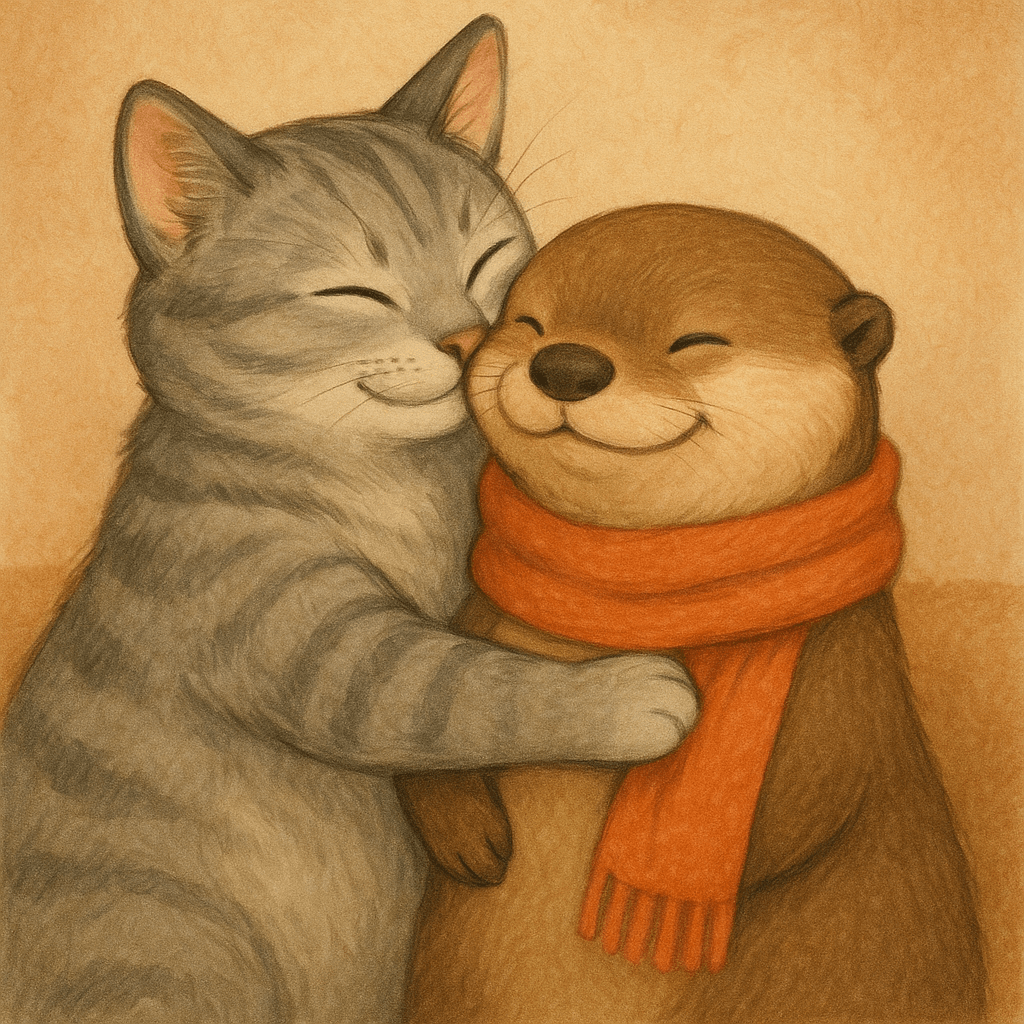
结果
“生成一幅画面:一只灰色的虎斑猫正抱着一只戴着橙色围巾的水獭。”
“现在让它看起来更逼真一些。”